
EssentialSector mobile video training
Support materials
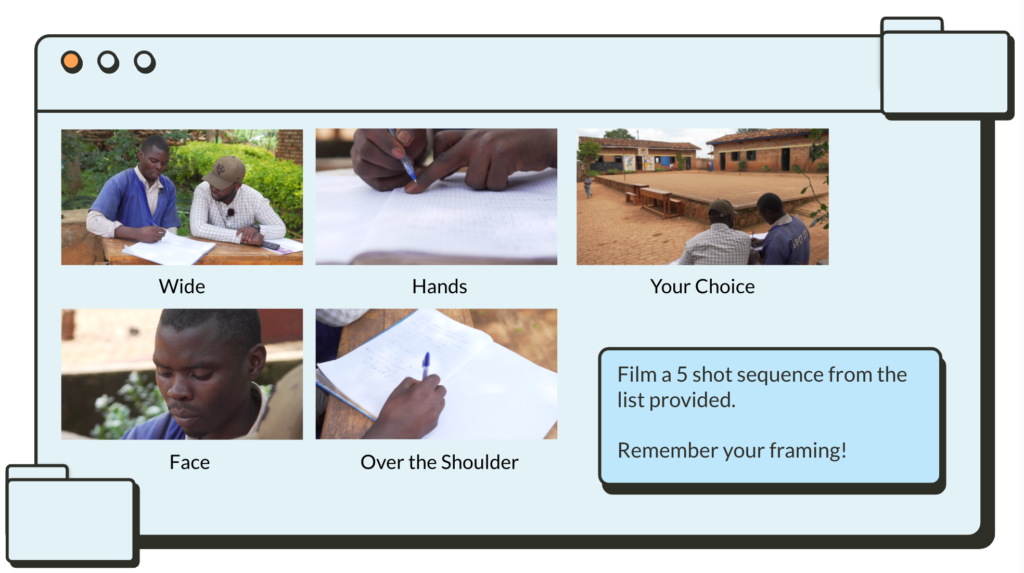
Five shot sequence
This resource is kindly provided by media co-op.
Images
You can tell a story using five shots, it helps to think of shots as questions to guide your story.

1 - Close Up Hands - What are they doing?
Starting a film with this shot intrigues the viewer - we know what’s being done, but who is doing it? Where? Why?
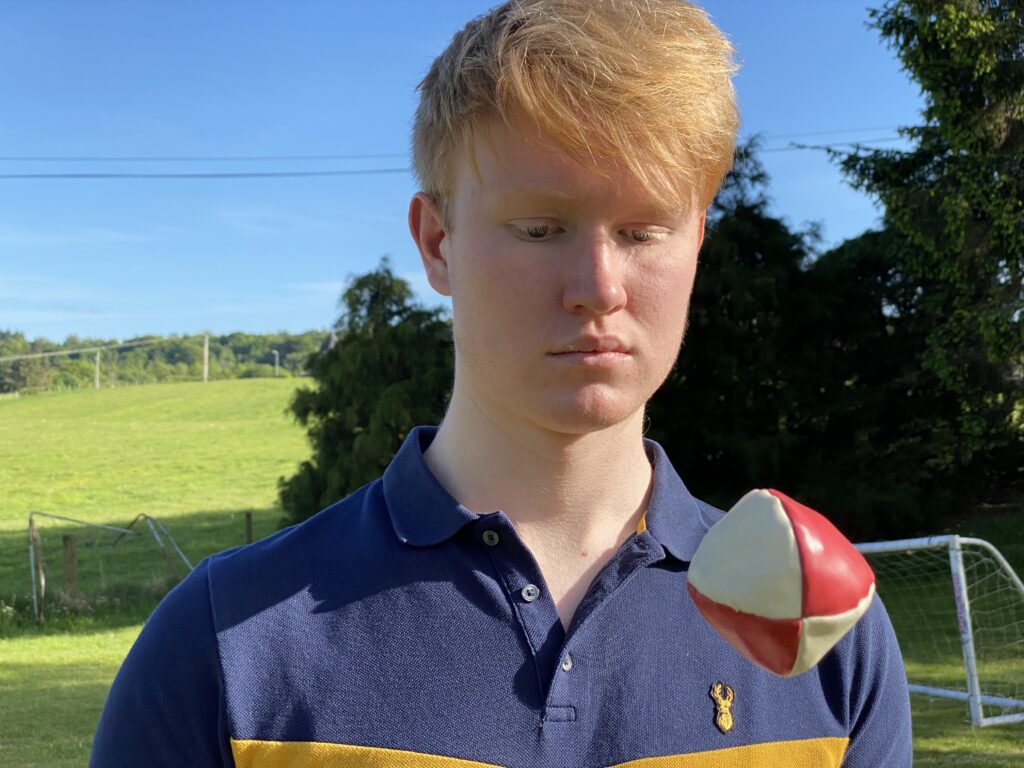
2 - Close Up Face - Who is doing it?
This shot establishes who is the main character. Be mindful of your framing and backgrounds!
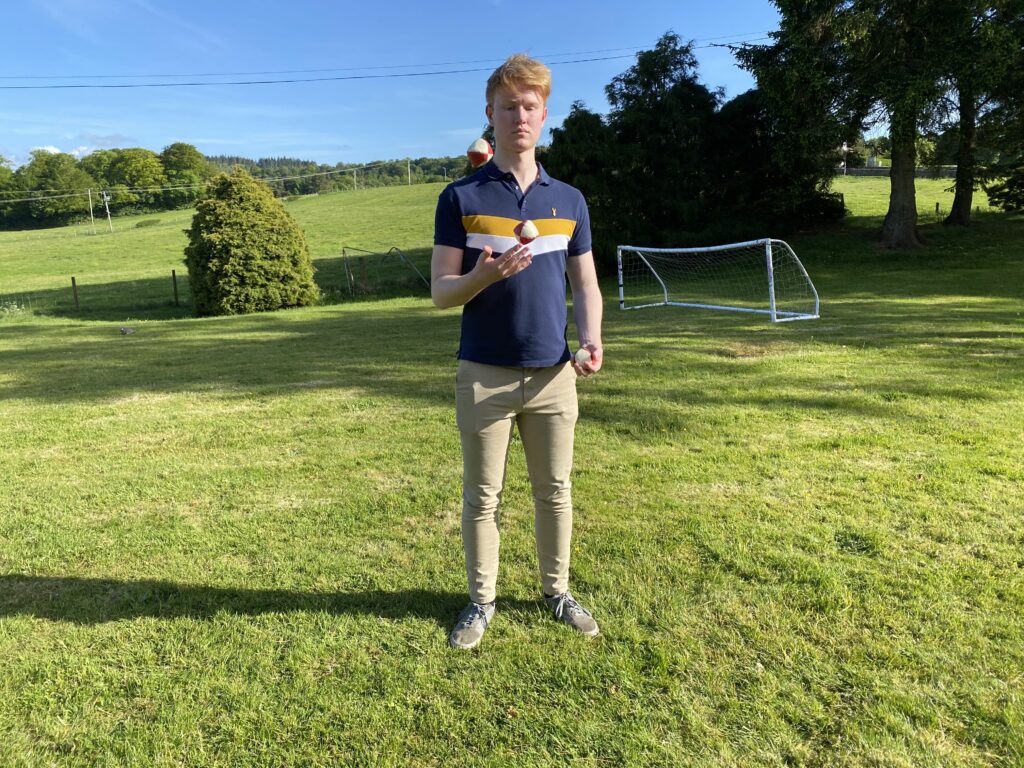
3 - Wide - Where is it happening?
This shot sets the scene - it shows where the person is, and what’s happening in the background. Remember there may be a lot happening in this shot so if you want the audience to look at something in particular, make sure to get a close up of that.
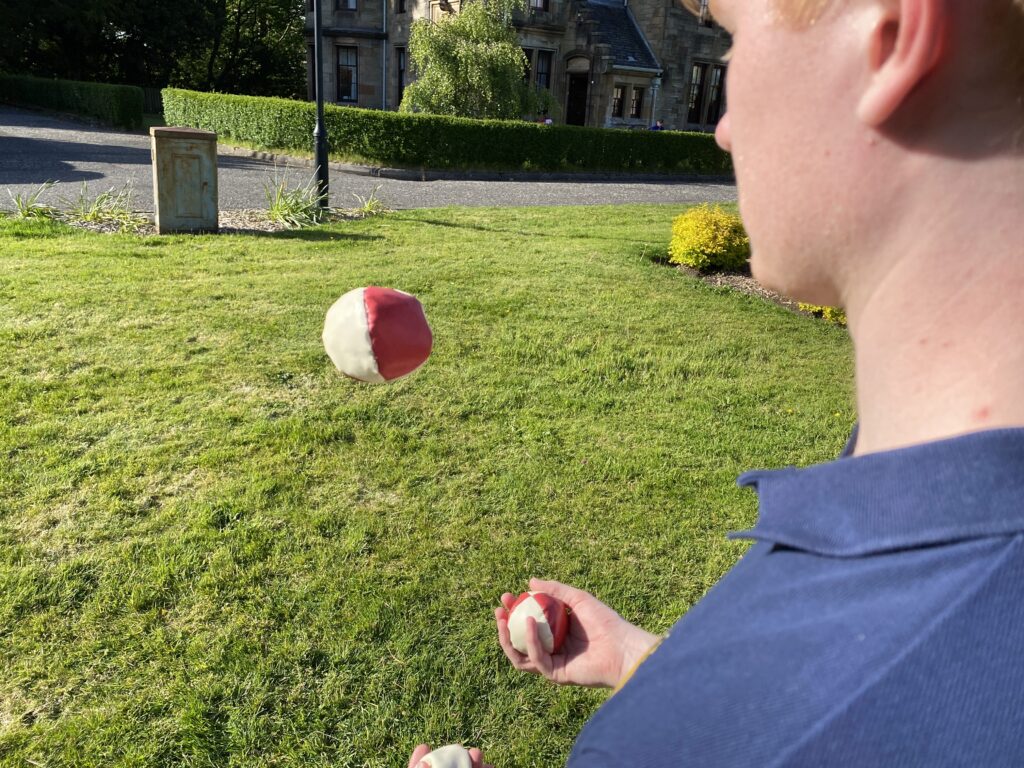
4 - Over the Shoulder (OTS) - What does the subject see?
This shot is framed from just behind the subject, so we see some of their head and a shoulder. We’re seeing where they’re looking at.
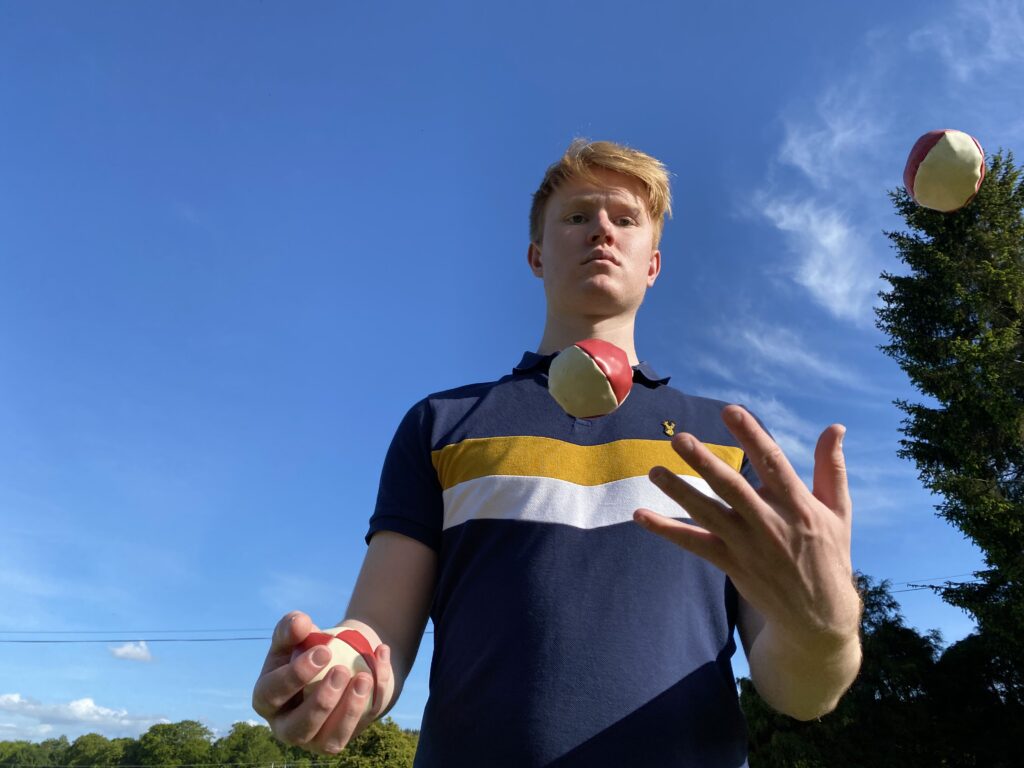
5 - Your Choice
Finally, choose an alternative shot. This could be a low angle, high angle, extreme close-up of another detail or something else entirely like a tracking/moving shot.
Think about what else the viewer might want to know.
Exercise
Ask your colleague to enact one of the following scenes:
- 1 - Working on a laptop
- 2 - Filling in a form
- 3 - Watering plants
- 4 - Making a cup of tea
- 5 - Making a phone call
Then shoot 5 shots to tell a story:
- What are they doing?
- Who is doing it?
- Where are they?
- What do they see?
- Another detail of the scene
Make sure your shot is at least 10 seconds long. This will give an editor freedom to choose how long they want the shot to last in the film.
Then review the shots and analyse each clip:
- Is the shot in focus?
- Is the shot stable?
- Is there anything distracting in the background?
- Is the lighting as good as it can be?
- How could I improve this shot?
Well done! You now know how to tell a story in 5 shots.